Claude Plugin — Android Dev Kit
Someone already figured
this out.
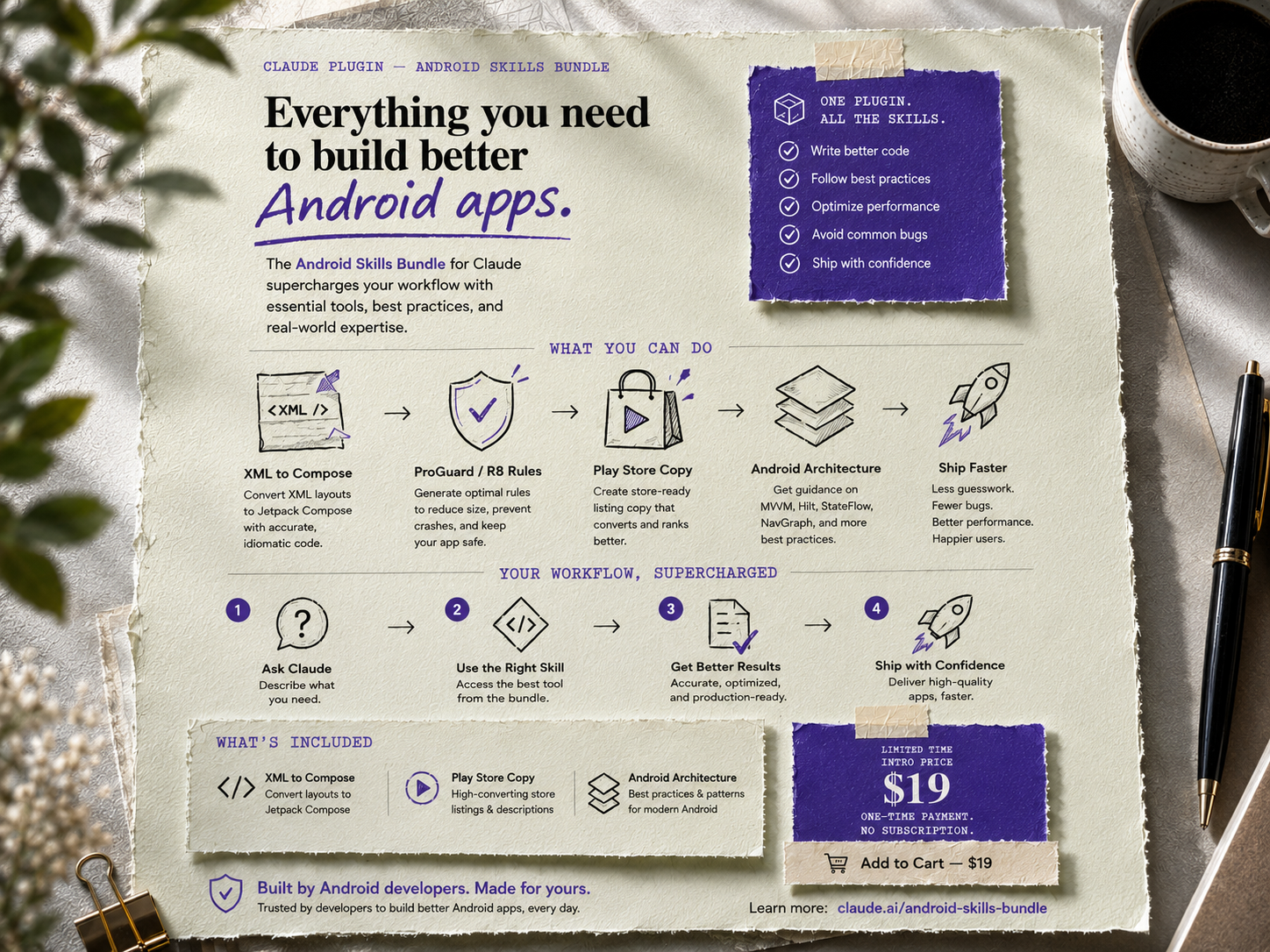
Four Claude skills for the Android tasks that cost the most time — and have the least good documentation. XML to Compose, Play Store copy, architecture decisions, ProGuard rules.
$19
One-time. No subscription.
Add to Cart — $19
Install via Claude → Settings → Plugins → Install from file


Someone debugged why release builds crash when XML visibility is
Android Dev Kit puts that knowledge into Claude as four skills you trigger mid-build.
gone in Compose. Someone mapped every ConstraintLayout attribute to its Compose equivalent, worked out which ProGuard keep rules Hilt actually needs, and learned that Google indexes exactly the first 167 characters of your Play Store long description.Android Dev Kit puts that knowledge into Claude as four skills you trigger mid-build.
What’s inside — four skills
Skill 01
XML to Compose
Paste any XML layout. Get idiomatic Compose with correct state hoisting, MaterialTheme tokens, and notes on what needs manual review. Accounts for visibility logic, RecyclerView adapters, and ConstraintLayout edge cases that don’t translate cleanly.
Skill 02
ProGuard / R8 Rules
Paste your build.gradle dependencies. Get correct rules for Retrofit, Hilt, Room, Gson, Moshi, Firebase, Glide, Coil, WorkManager, and Coroutines — plus a diagnosis playbook for release-only crashes caused by shrinking. No more copying from Stack Overflow and hoping.
Skill 03
Play Store Copy
Describe your app. Get a complete listing: title (30 chars, keyword-first), short description (80 chars, benefit-first), long description structured around Google’s indexing behaviour, and What’s New text that doesn’t read like a bot wrote it.
Skill 04
Android Architecture
MVVM vs MVI, ViewModel scoping, Hilt setup, clean architecture layers, and the mistakes that cause the most production bugs — including collecting flows in the wrong lifecycle scope and navigating from a ViewModel.
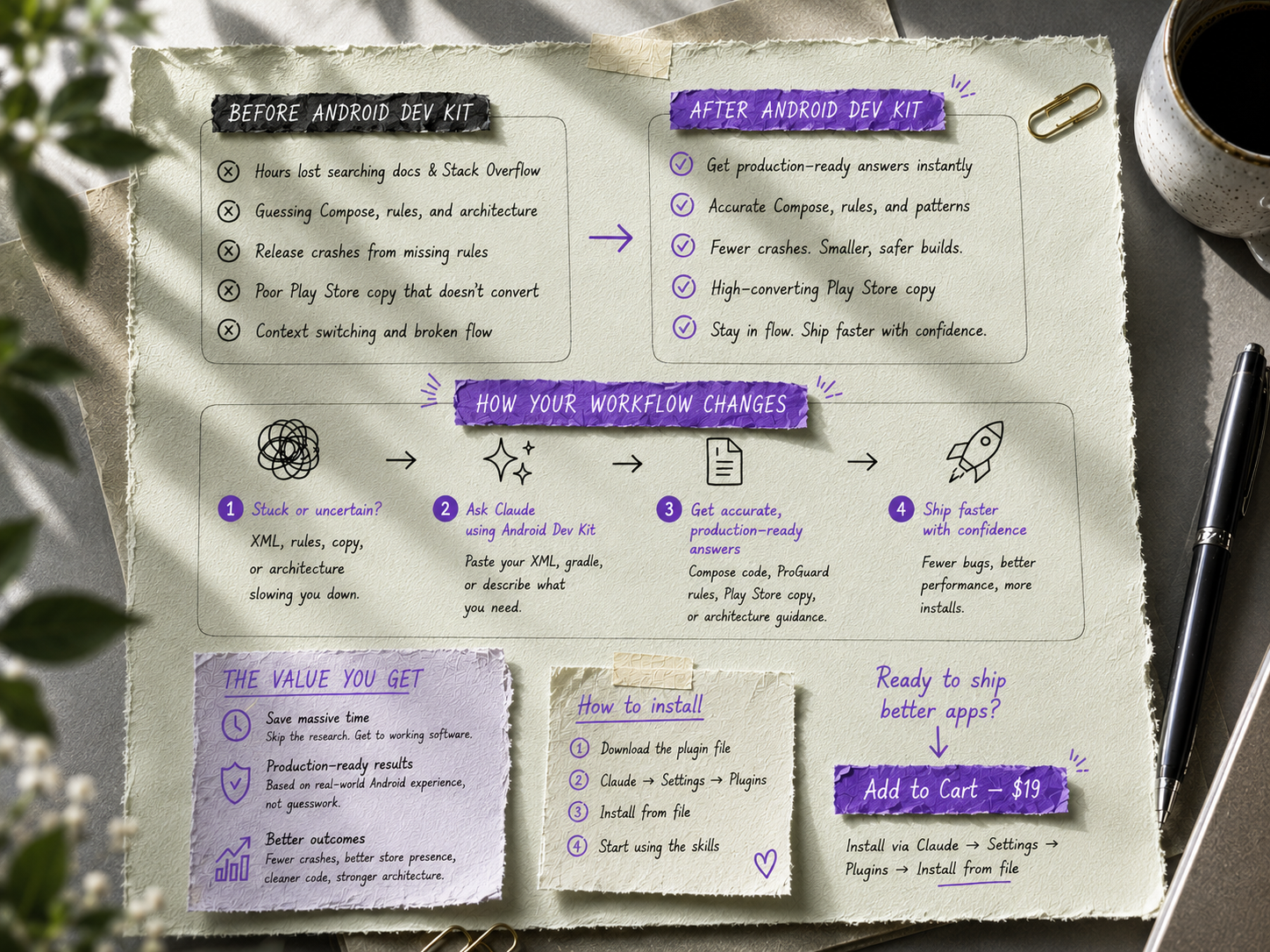
How to install
1
Download the
android-dev-kit.plugin file using the button above.2
Open Claude (Cowork or Claude Code) and go to Settings → Plugins → Install from file.
3
Select the file. All four skills activate immediately — no restart needed.
4
Trigger a skill by describing what you need. Paste an XML layout, say “proguard rules”, or ask for a Play Store listing — Claude picks up the right skill automatically.
Android Dev Kit
$19 one-time • Four skills • No subscription • Updates included
Built from real Android production experience. By Visual Tools.
Built from real Android production experience. By Visual Tools.